
FIGGSHIELD
Protecting the harvest from greedy corporate tax goblins
Figgshield is a remote MCP server for Claude, ChatGPT, Cursor, the CLIs and any MCP client. Connect it once, then ask for a video from Kling or an image from Nano Banana 2 — it runs the job and hands back the file.
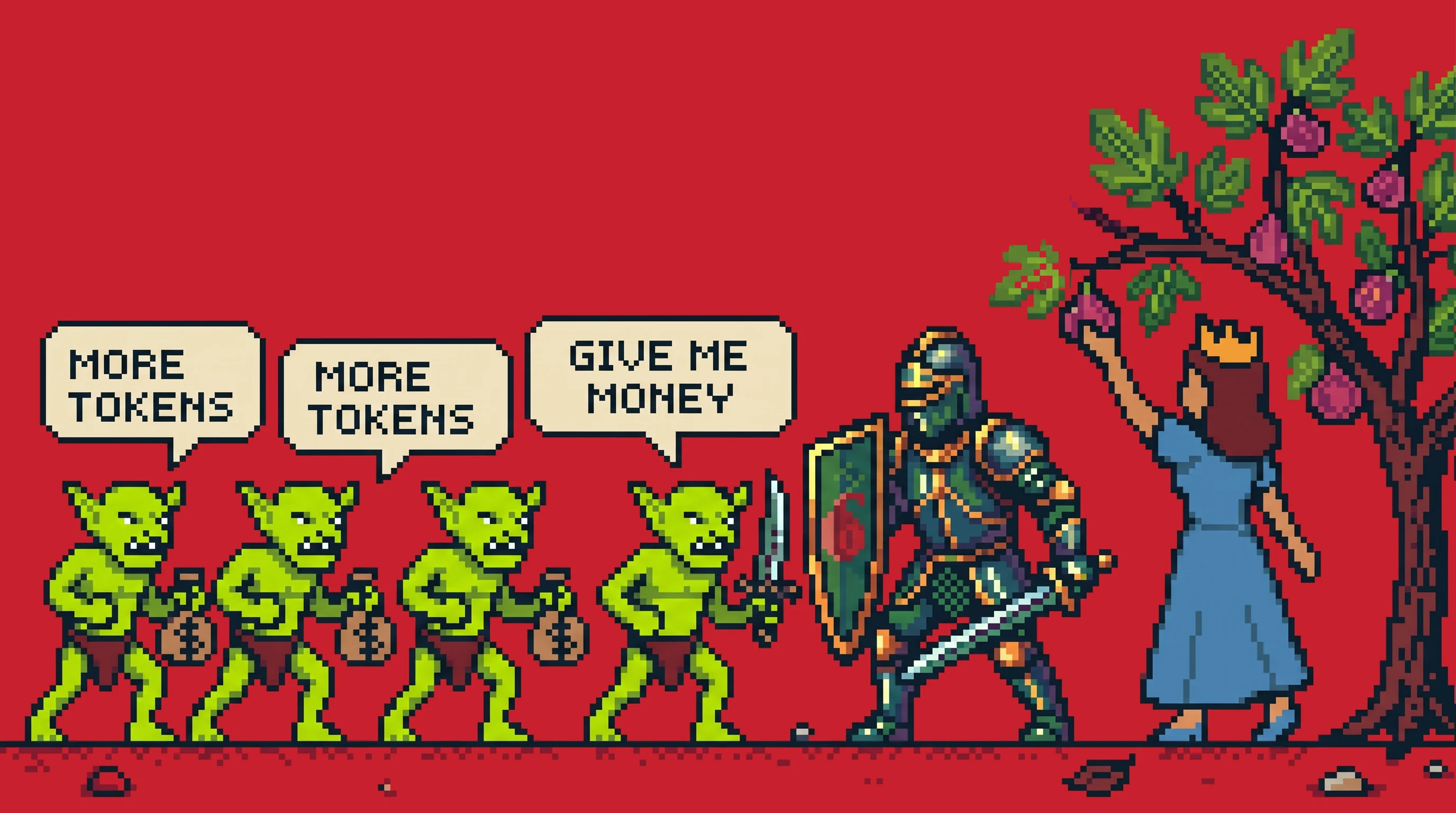
Once upon a time, everyone was paying too much to generate AI images and videos. The big providers — greedy corporate tax goblins, the lot of them — kept raising the toll on every token.
So we forged Figgshield: the same top-tier models at honest prices. And instead of burning our gold on a fancy dashboard, we spent it on the engine itself — there is no app to learn. You drive everything from Claude, ChatGPT, Cursor or whatever agent you already use.
Connect it below in about a minute. Then, if you fancy glory: play Fig Defender, top today's leaderboard, and win the daily credit prize.
Add Figgshield to your agent
Figgshield is a remote MCP server — one URL that any agent can call. Bind it once, then just ask for a video with Kling or an image with Nano Banana 2. Works with Claude, ChatGPT, Cursor, the CLIs, and any MCP client.
https://api.figgshield.ai/mcp -
Open Settings → Connectors
In Claude (web or desktop), open Settings → Connectors and choose “Add custom connector”.
-
Name it & paste the URL
Name it Figgshield and paste the MCP server URL above.
-
Connect & sign in
Click Connect and swear in with Google, Apple or GitHub. Now just ask Claude to generate a video or image.
Prefer the CLI? For Claude Code, Codex and other terminal agents the CLI path is smoothest — see the MCP docs for every tool and config.
Play Fig Defender
Defend the princess's fig harvest from endless goblin waves. Grab weapon drops, rack up the combo, and top today's leaderboard — the champion wins the daily credit prize.
The models
Two models, picked for quality: Kling for video and Nano Banana 2 for images — the strongest in each class. Ask your agent in plain words and it picks the right one, meters the credits, and returns the file.
- Video From 35 credits a clip
Kling
Cinematic motion in 5 or 10-second clips, at 720p or 1080p, with optional audio.
- Image 8 credits an image
Nano Banana 2
Detailed, editable stills at 1K, 2K or 4K from a single prompt.
One credit balance
One credit balance meters everything you generate — no per-model pricing to learn, no extra subscriptions to juggle.
Fixed prices
Every job has a set price: a Nano Banana 2 image is 8 credits, a 5-second Kling clip is 35. Your agent tells you what each generation cost.
Refunds on failed jobs
If a job fails, its credits return to your balance automatically. You only ever pay for output.
Auto top-up
Turn on auto top-up and Figgshield refills your balance when it runs low, so a long session never stalls.
Frequently asked questions
What is Figgshield?
Figgshield is an MCP server and CLI tool. Add it to Claude, ChatGPT, Cursor or any MCP client, then generate video with Kling and images with Nano Banana 2 by asking in plain language. The web app is only for your account and billing.
Which models can I use?
Two: Kling for video — 5 or 10-second clips at 720p or 1080p, with optional audio — and Nano Banana 2 for images at 1K, 2K or 4K. Figgshield picks the right one from your request.
What does a generation cost?
A Nano Banana 2 image is 8 credits. A 5-second Kling clip is 35 credits, or 70 with audio; a 10-second clip is 70. Your plan's monthly credits cover a set number of each — see the pricing page.
How am I billed?
Every plan is billed annually and shown as a monthly price, from $12 a month for Starter. Credits are granted each month; you can top up any time, and turn on auto top-up so jobs never stall.
How do I add it to my agent?
In Claude, add Figgshield under Settings → Connectors and sign in. In ChatGPT, create it as an app in developer mode. For CLIs, run one add command and sign in. The setup guide above and the documentation walk through every client.
Do I need an API key?
Not for connectors — they sign you in with a browser sign-in. For CLIs you can use the same sign-in or a personal API key. Keys live in your account screen.
Can I generate without an AI agent?
Yes. Figgshield also has a plain REST API: create a key, submit a generation, poll it, and download the output against the same credit balance. It is the non-MCP option, documented in full.
Who owns what I generate?
You do, to the extent the Kling and Nano Banana 2 licences allow. Figgshield claims no rights over your prompts or outputs; the terms of service list the per-provider details.
Start generating
Open the app to choose a plan, then connect Figgshield to your agent and generate your first clip in minutes.